
The Context
Why the Design System
Comoco is a web 3 startup building the on-chain IP infrastructure of the future. As their first designer, I worked on designing their core product and marketing website. However, after launch, I faced a challenge: how could I ensure their newly hired designer could maintain consistency and easily design new features? That's why I proposed creating a design system that would serve as the foundation for their future product development.
The Challenge: Building a Design System with Limited Resources
While Comoco is still a startup that mainly focuses on building new features, building a design system is a time-consuming and expensive project. We had to find a way to create a design system without sacrificing product development time. We spent around 10% of our time building the design system from scratch.
The Outcome
A flexible design system that has laid a solid foundation for Comoco's future product development, ensuring consistency and efficiency in the design process.
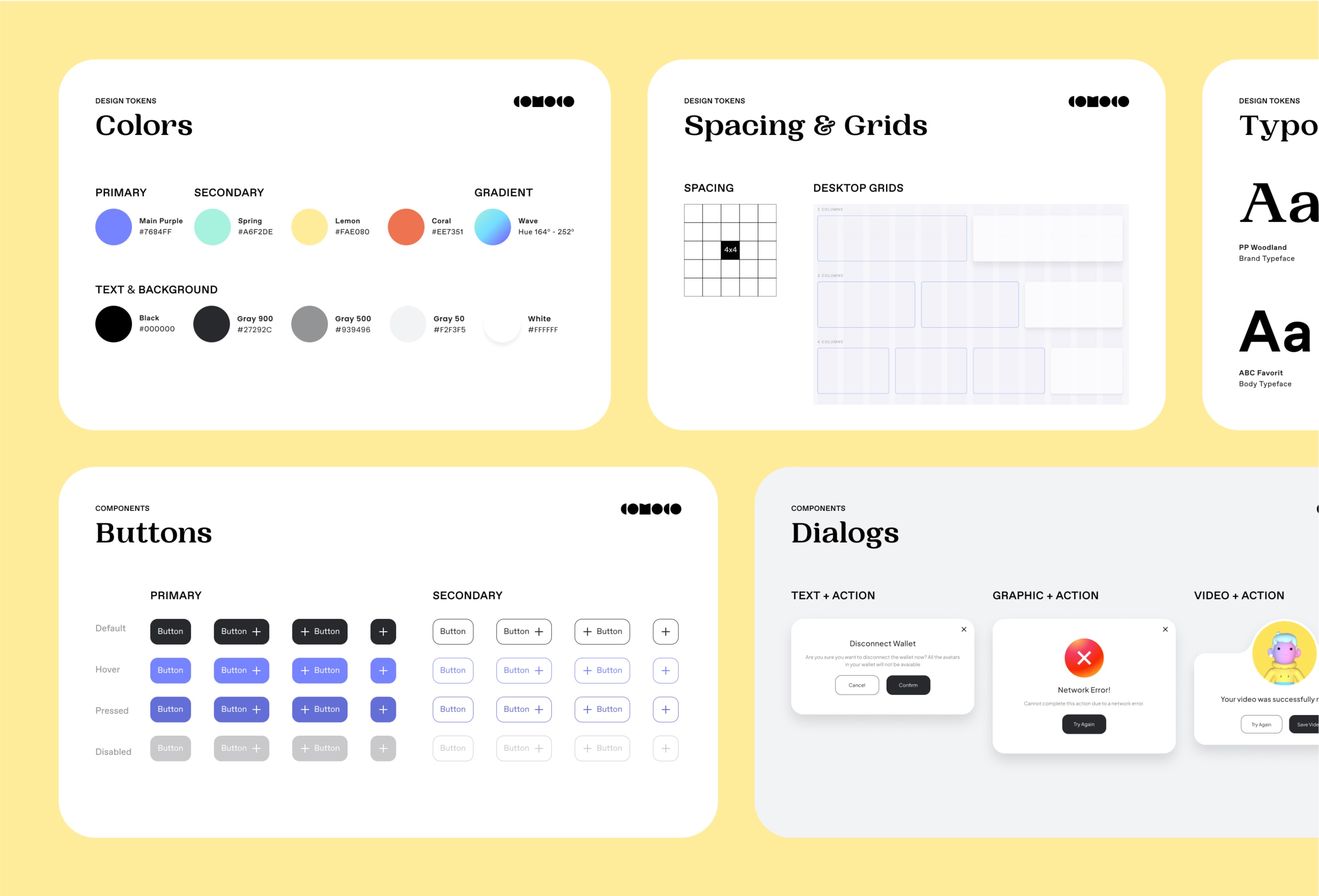
Starting Point
Launching the New Comoco Brand
Comoco collaborated with Dine, a creative branding agency, to launch a new brand and create a fresh visual language. With a solid starting point in place, our goal was to align the design system with the new Comoco brand. Our objective was to ensure a consistent and playful tone across all our products, making them easily recognizable by our audience.
* Credits: Branding designed by DINE
OUR APPROACH — PHASE 1
Understanding Design System Fundamentals
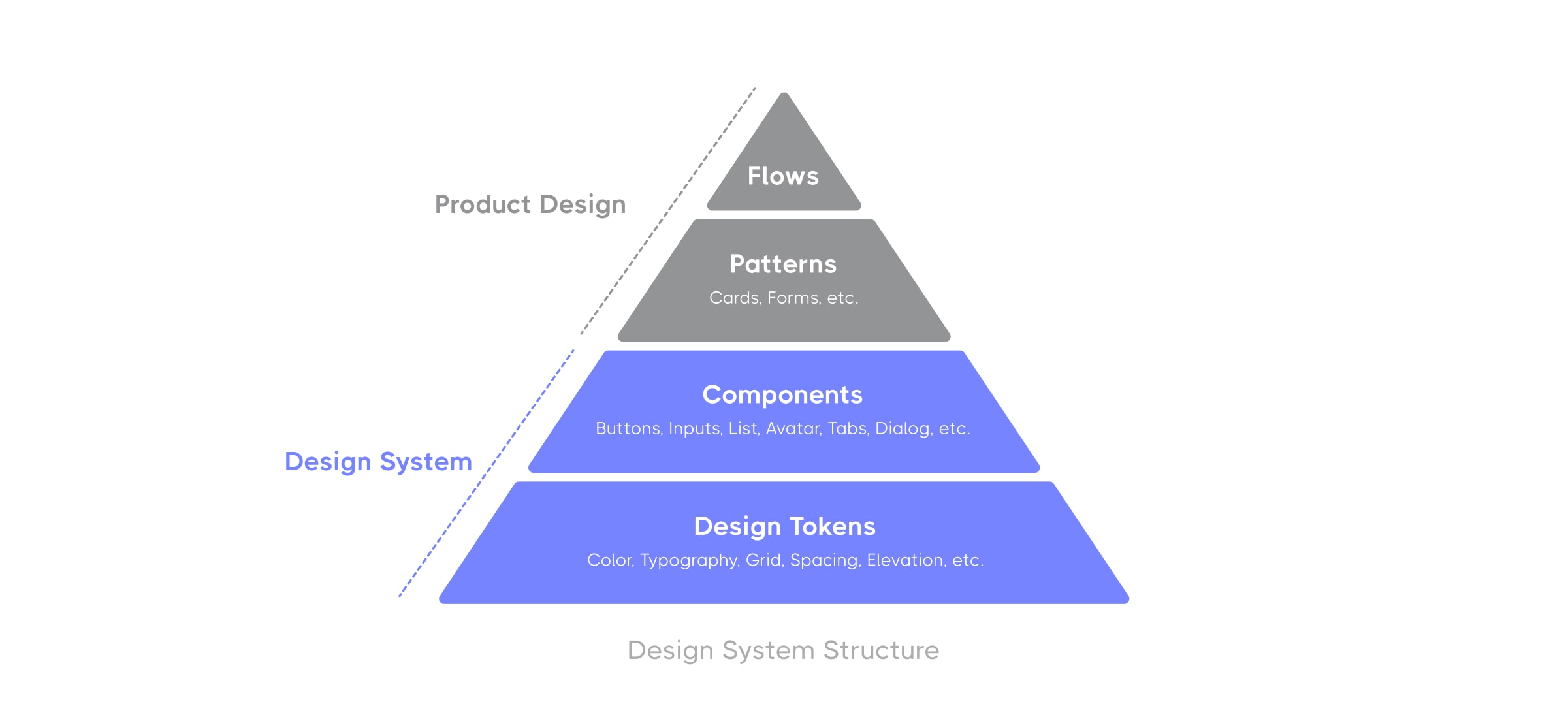
During the initial phase of our project, we started by benchmarking successful design systems and gaining a deeper understanding of the fundamental components that make up a design system, such as foundations (design tokens), components, patterns, flows/templates.
OUR APPROACH — PHASE 2
Building the Design Tokens
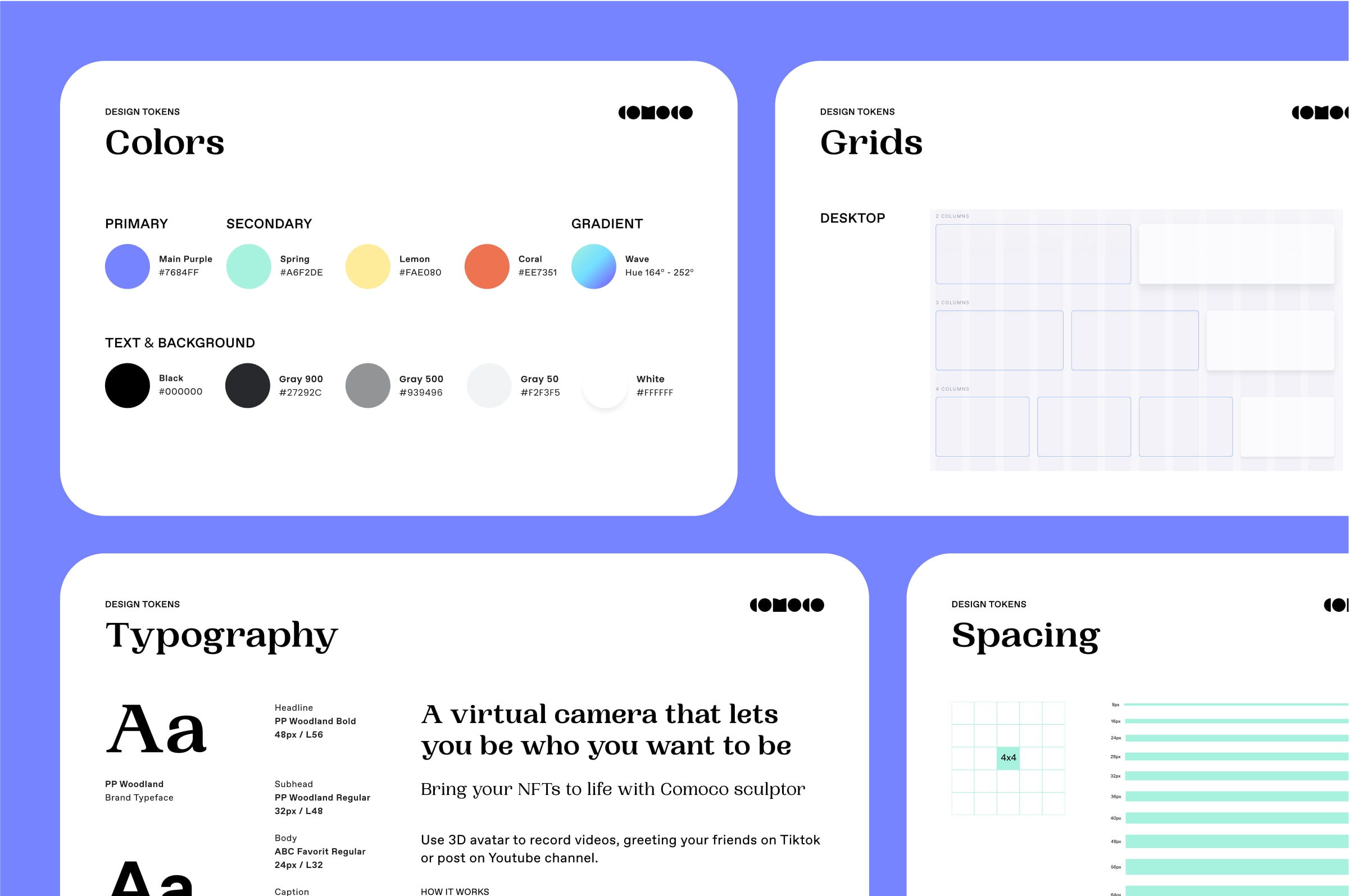
In phase two, we defined guidelines for the design tokens, including color, typography, grid, spacing, and elevation. These design tokens provided the foundation for the entire design system and ensured consistency across all products.
OUR APPROACH — PHASE 3
Creating the Component Kits
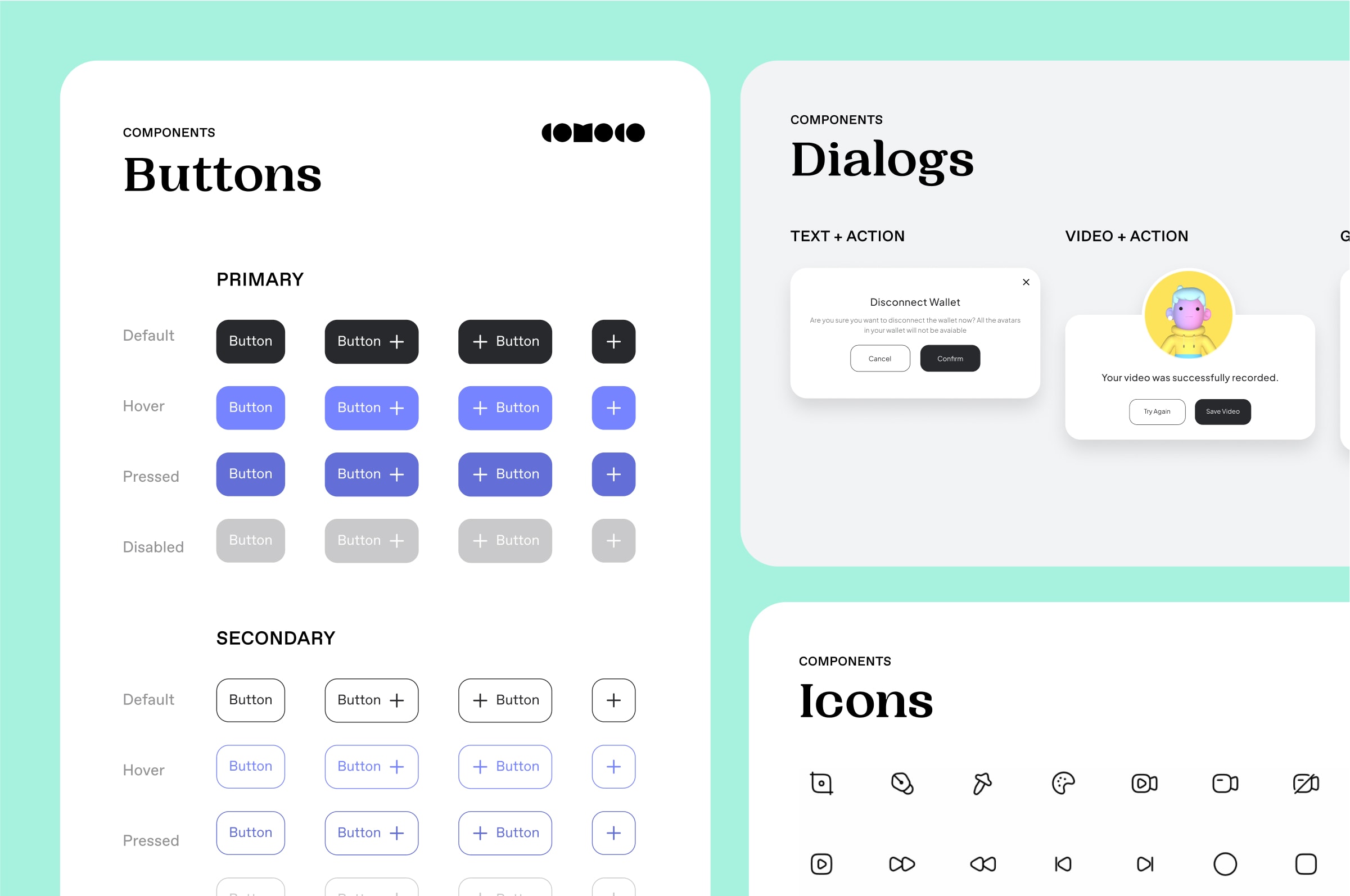
In phase three, we designed the reusable UI components library. As we had limited resources, we used a matrix to prioritize the most impactful components based on UX/UI impact, repeated usage, implementation complexity, and time constraints.
OUR APPROACH — PHASE 4
Developing the Coded Library
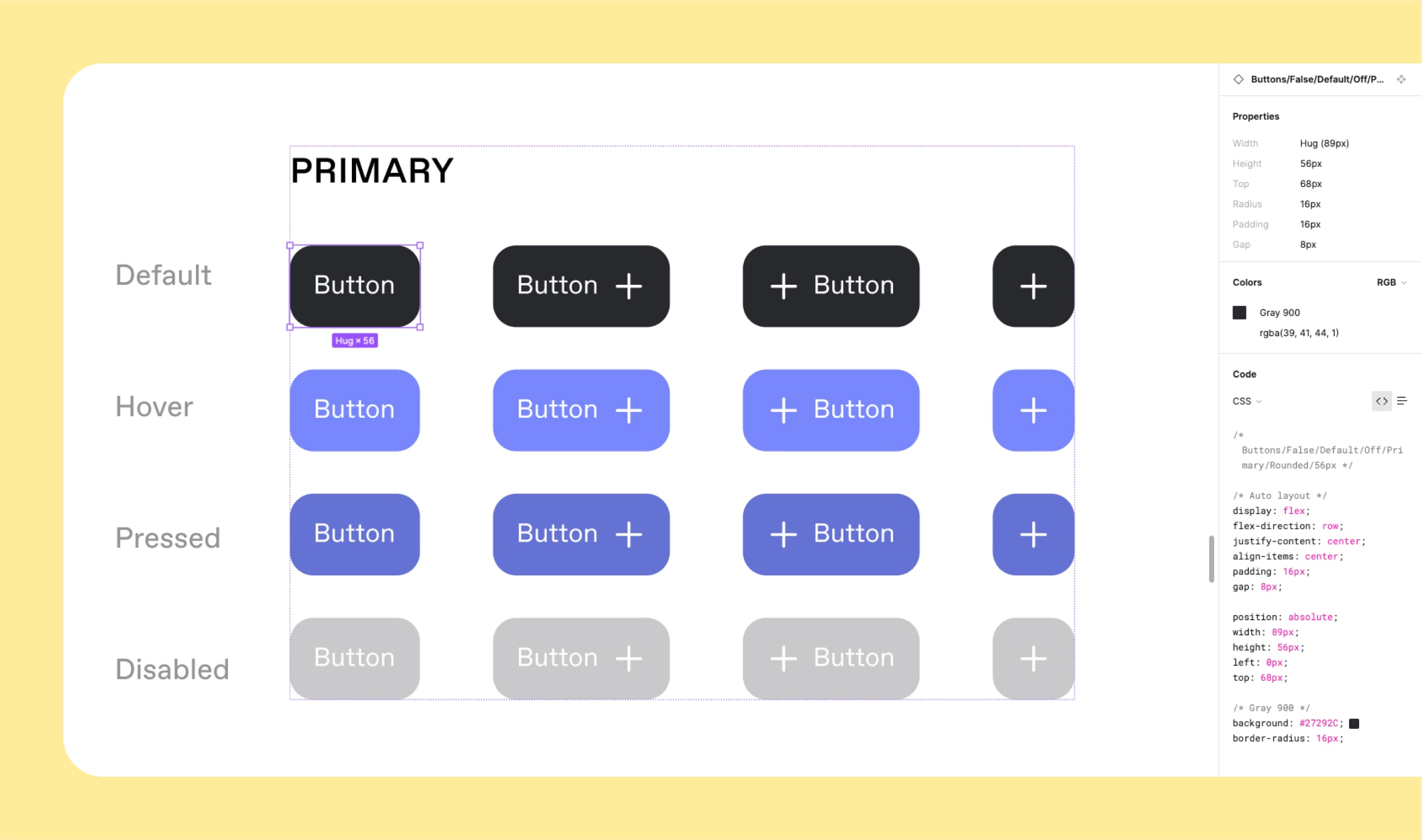
In phase four, we started to collaborate with front-end engineers to develop the coded library, which is still ongoing. This involved several sprints to change all the basic design patterns, such as color, fonts, buttons, lists, cards, etc. We also applied new design patterns to new features as we built them, taking extra time to ensure the design system patterns were fixed. This phase will result in a comprehensive coded library that ensures consistency and speeds up the development process.
The RESULT
Boosting Product Development Efficiency and Consistency
After I hand off the design system to their newly hired designer, they can continue to maintain both visual and interaction patterns consistencies while building new features. Additionally, the engineering team has developed a design system code library, allowing developers to pick up some small features on their own without sacrificing UX quality. The design system has significantly improved their product development efficiency, as evidenced by the quick update of their COMOCO Sculptor service 2.0 feature, which was developed using the design system and completed in less than a week.
KEY Takeaways
Moving Slow to Move Fast
Sometimes, in order to move quickly, we must first invest time in laying a solid foundation. Building a design system requires a shift in mindset from designing individual features to creating a comprehensive system that can scale and adapt to new challenges. This project has helped me understand the importance of building for the long-term and the value of investing in a strong design foundation.